Vibe coding your website
Learn new ways to approach building your own website with AI

From my November 2025 workshop for Women Coders 👋
So you want to make a website - how exciting!
From my experience as a designer, making your portfolio can be a whole project on its own.
Over the years, I've:
- Used Squarespace and learnt custom CSS
- Gotten way too deep in Webflow with animations and scripts
- Asked a friend to help build my first site using Gatsby and a headless CMS... and then struggle to update it
Today, I generally find a template I love and remix it into something new. Each repetition helped me grow.
This article shares new ways to approach building your own website.
It’s the craft, not the tool
Here’s a snapshot of what I’ve been using in 2025 - I love finding and trying new tools.
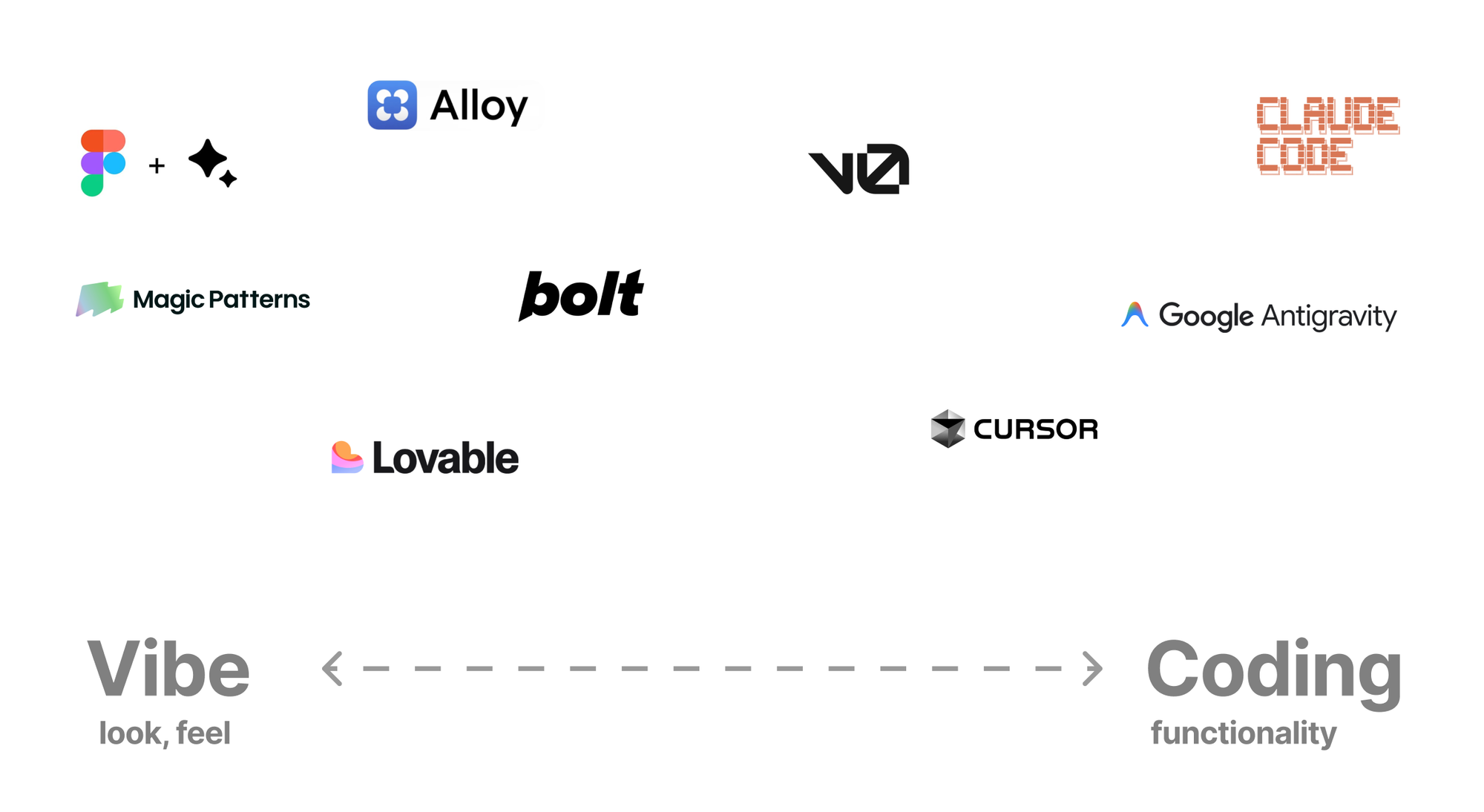
Figma Make: Quick way to create prototypes based on designs, last I tried the code produced was a bit messy.
Magic Patterns and Alloy: Good for recreating an existing app, would be even better if it could stitch together a few different screenshots to create a functional prototype of a particular flow.
Lovable : Great for landing pages
Bolt: Prototyping tool for websites and mobile apps, which is rare. Forks include Chef by Convex.
v0 by Vercel: Prototyping tool for web apps, easy to deploy/publish from and uses shadcn, which makes it easily compatible with derivative design libraries
Cursor: AI powered code editor (IDE) with a paid subscription - if Visual Studio Code could also read your codebase, with good autocomplete suggestions and agents to run coding tasks
Google Antigravity: Freemium AI powered code editor (IDE)
📌 Claude Code: A CLI tool that helps answer codebase questions, triage issues, edit code, and draft pull requests. Similar to ChatGPT Codex. If there’s any tool to start using, this is the one!
How to vibe code a website
Easiest: use a prototyping tool such as v0
- Find inspiration, screenshot it
- Prompt to edit and refine
- Deploy (publish) your site
- Optional: Connect to Github, from there you can open it in an IDE and change it without being limited by v0 credits
Choose your own adventure
- Tip: Clone a template, use a starter kit
- Edit the code with an IDE like Visual Studio Code, Cursor or Google Antigravity
- Create a Github repository and deploy with tools like Vercel
General tips
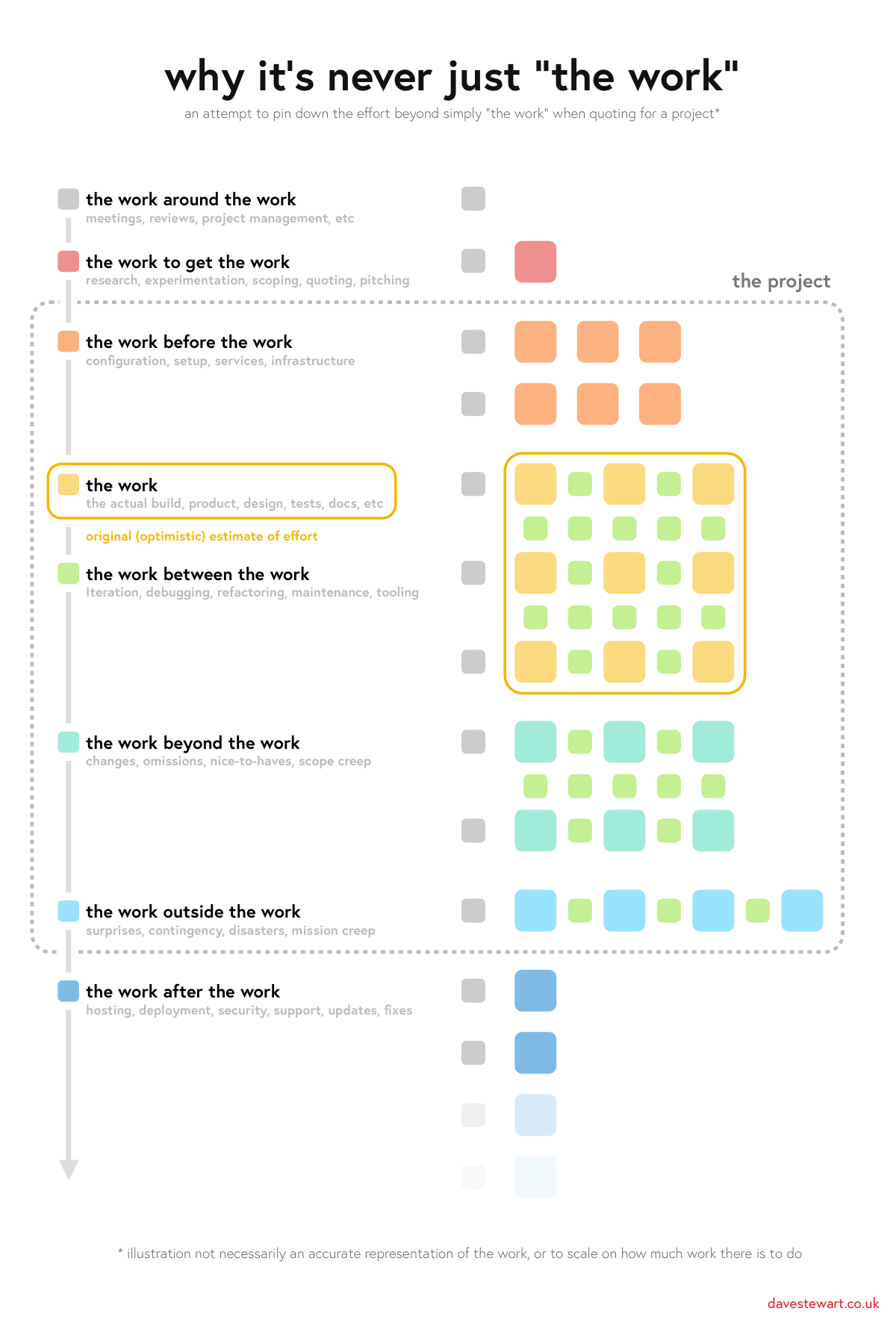
- There's a lot outside of the work of actually building or designing that AI can help with too - from research to configuration to debugging to deployment fixes
- When in doubt, ask a tool like ChatGPT or Claude
- Explain your problem clearly and work through it step by step
- Screenshots share context quickly
- Using Claude Code
- Consider what kind of problem you're solving - is it brainstorming, planning, executing, debugging? There are plugins that can help
- I personally aim to focus on one task at a time, it also makes it easier to also test at each step.
Resources
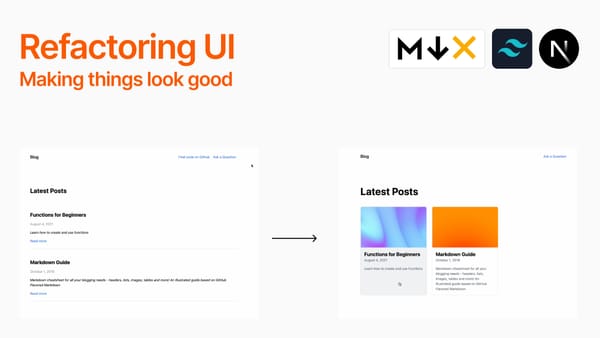
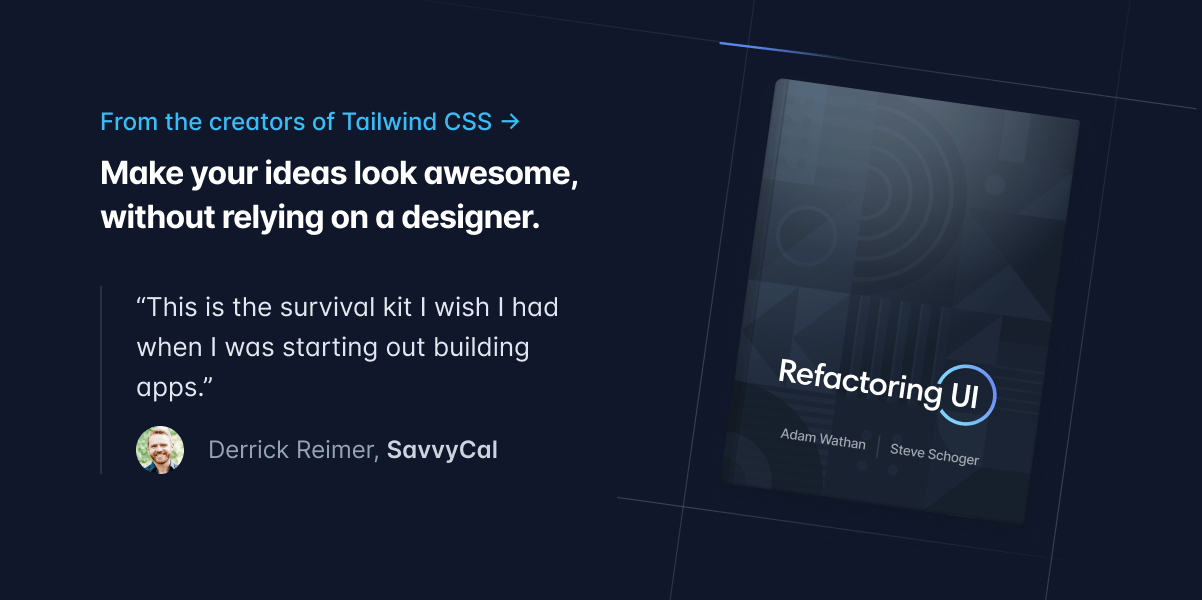
Must read: Refactoring UI
For tactical tips and principles to make beautiful and usable user interfaces, from the creators of Tailwind CSS.

Free Astro.js Templates
Part of the fun of designing is finding, sharing, and refining inspiration.
 3ASH
3ASH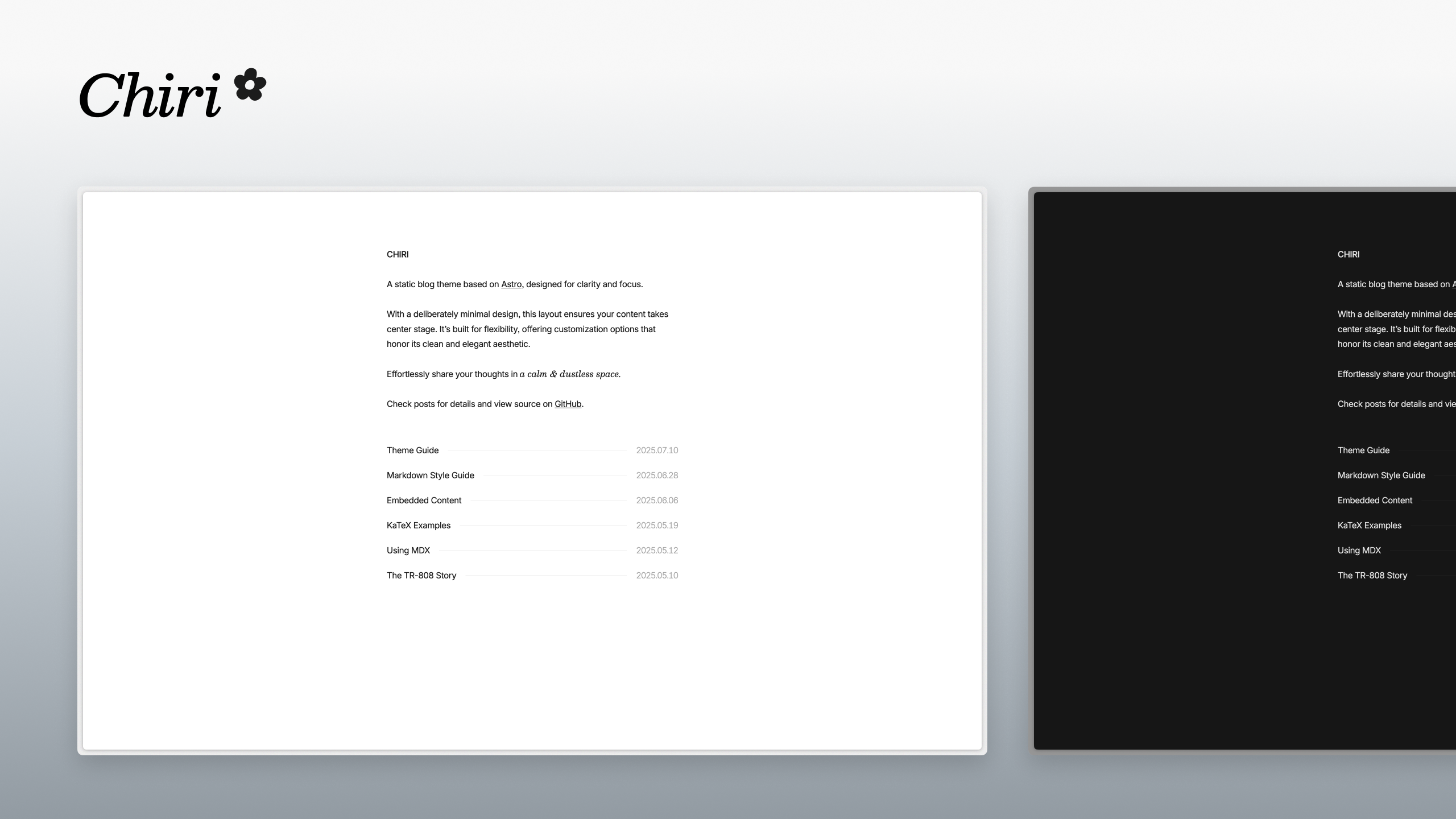
 Yash Jawale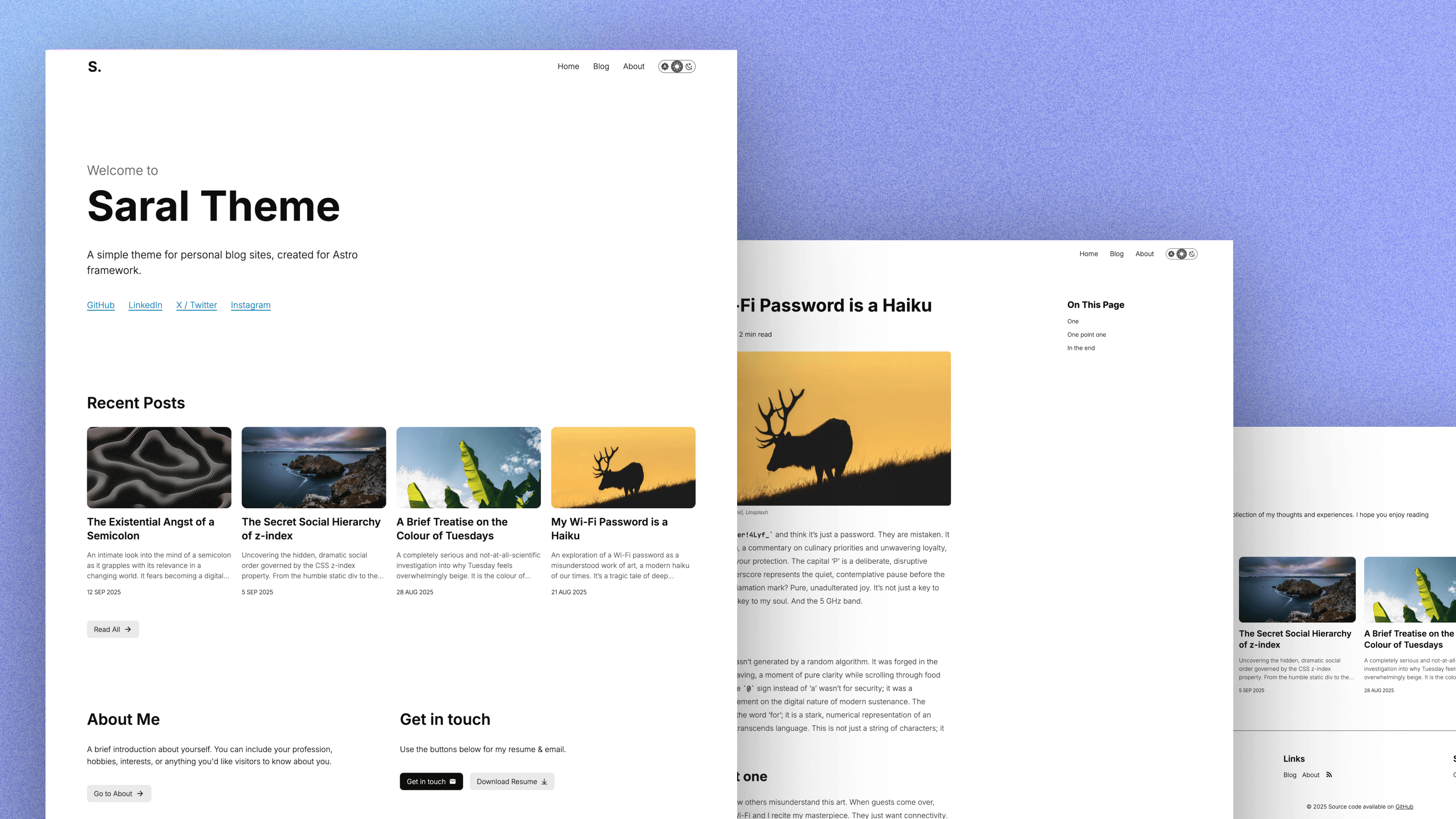
Other freemium tools I use day to day
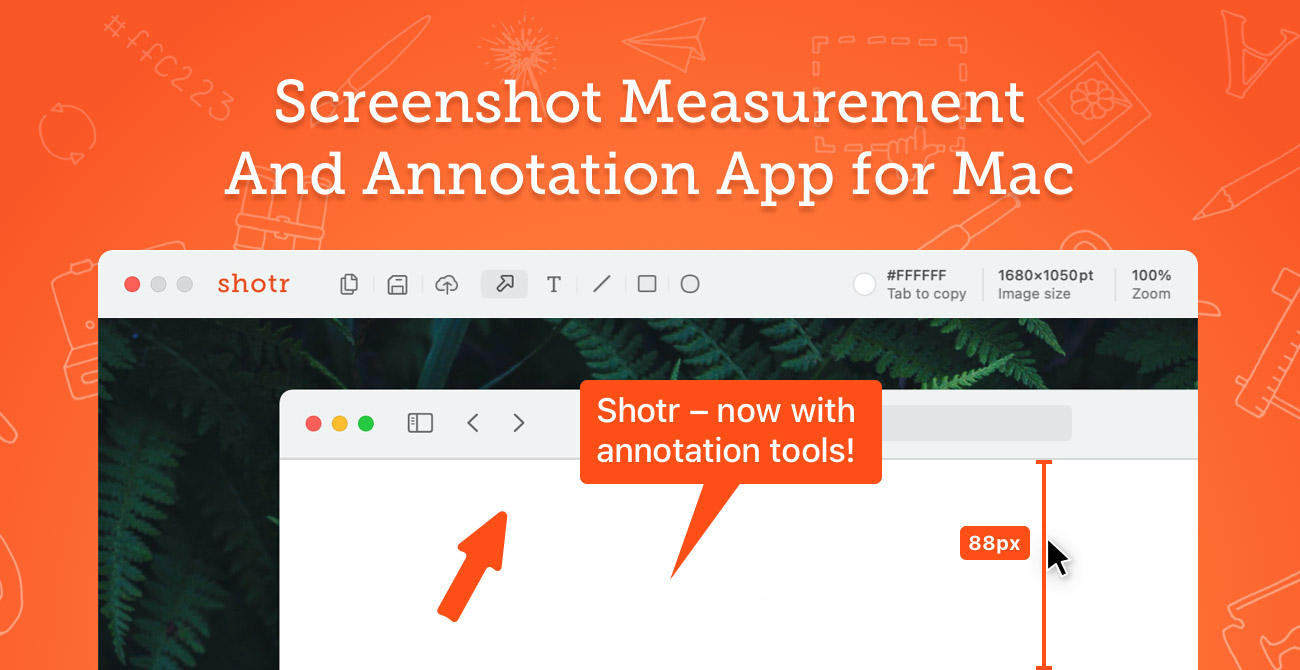
Shottr for screenshotting websites and annotation

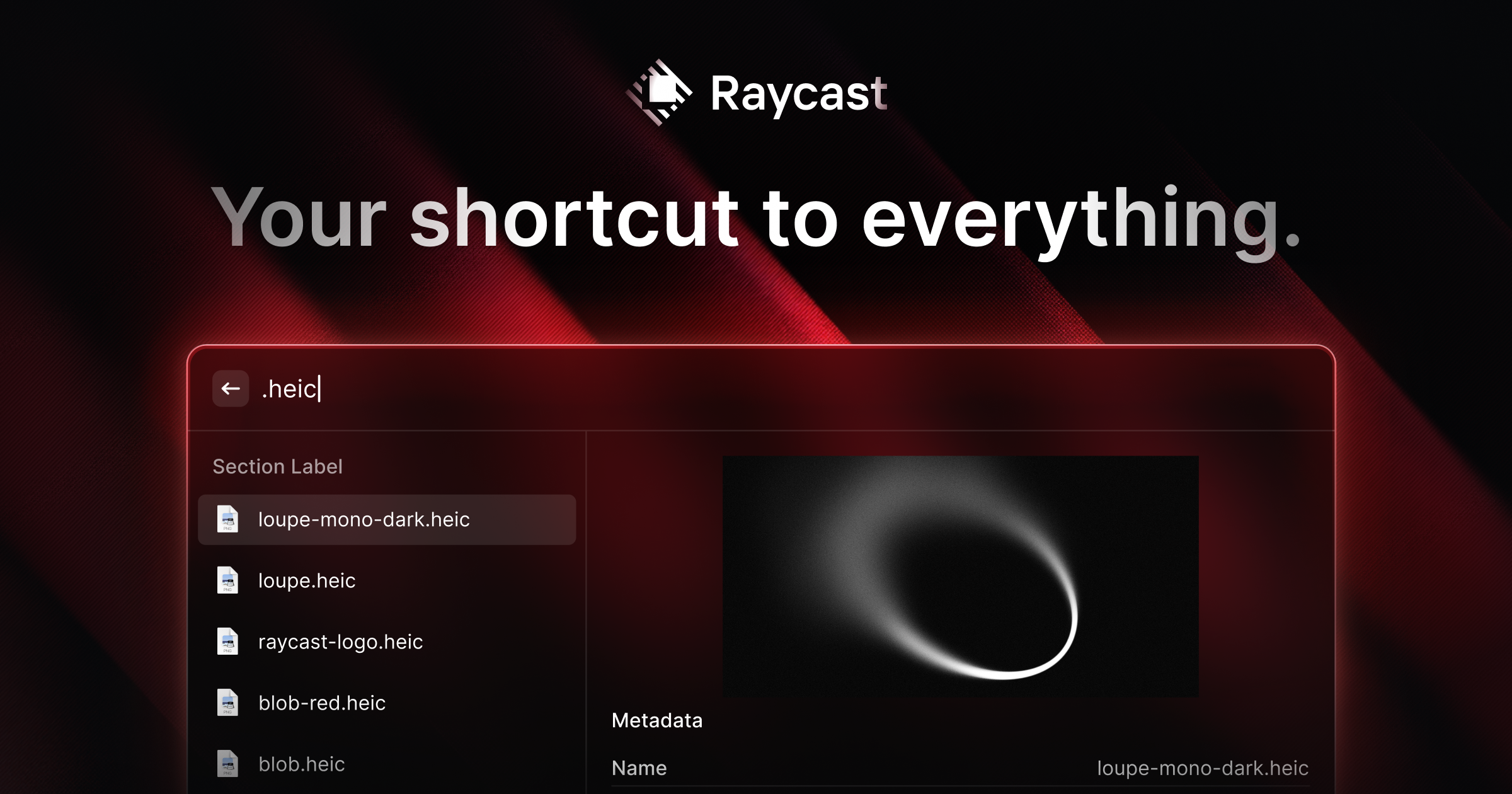
Raycast to replace Spotlight. Clipboard history is a game changer.
Wispr Flow for a delightfully easy way to transcribe thoughts. Decent free tier.
 Gaurav VohraStartup Advisor & Growth Leader